
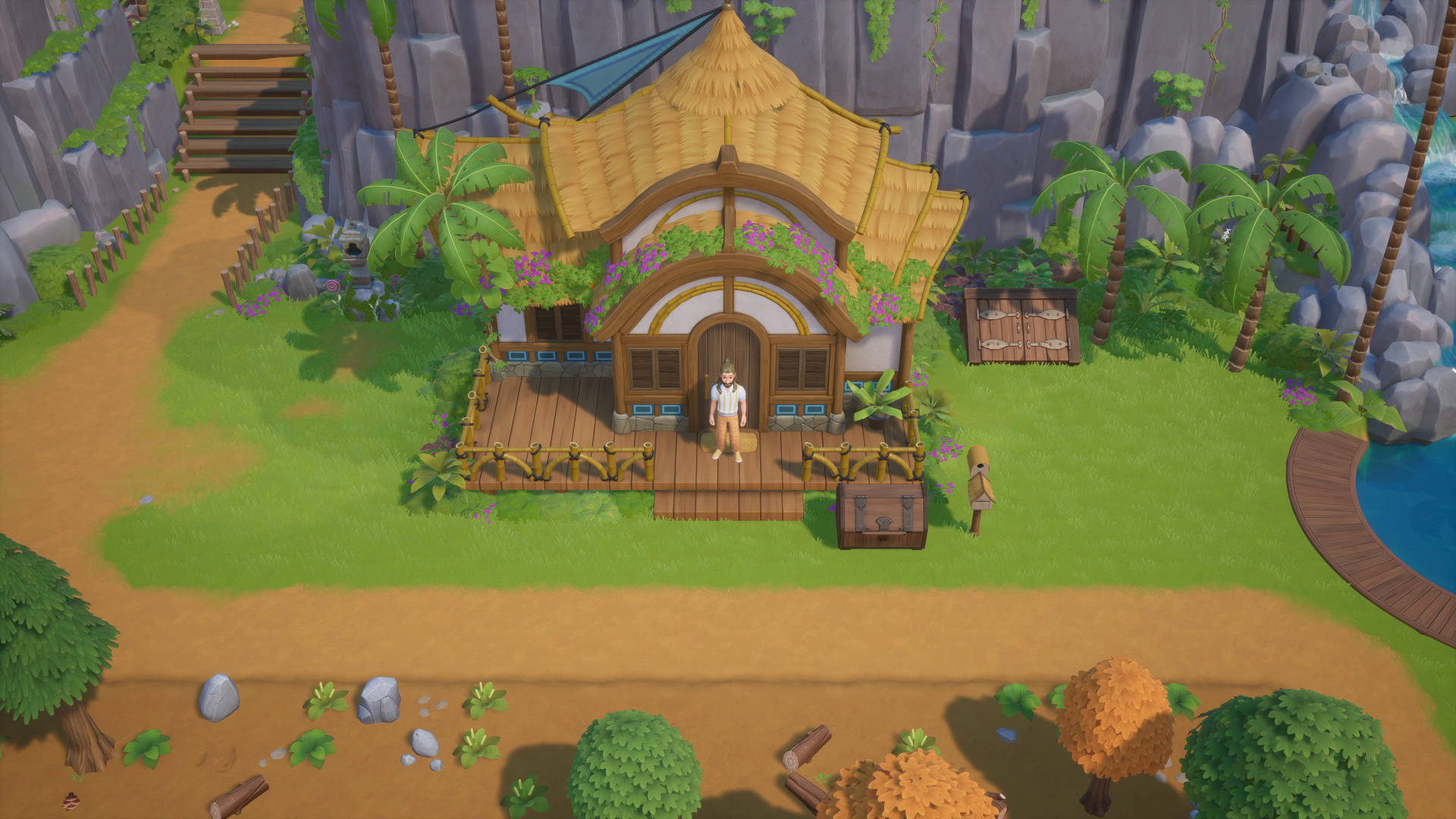
Since update 1.3, Coral Island lets you save manually at any time in singleplayer. On Windows PC, open the menu with Esc, choose Save Game, select a slot and confirm. You can keep a save before an important decision and return to it later.
Each character slot can hold up to eight manual saves. Choose an empty slot when you want to preserve an older point rather than overwrite it. To resume from a saved point, use Load Game in the same menu. These instructions are for singleplayer; Stairway Games says manual saving does not work in multiplayer.
Save Your Progress and Load It Later
- While playing in singleplayer, press Esc to open the menu and choose Save Game.
- Choose Empty Save Slot if you want to keep your existing saves. The game then asks, Would you like to save the game?
- Choose Confirm and wait for Game Saved.
Those controls and confirmation appear in Stairway Games’ official demonstration. To load a save, press Esc again, choose Load Game, then select the existing save you want. Check which save you select: the game resumes from that saved point.
Character Slots and Manual Saves
| Type | Limit | Applies To |
|---|---|---|
| Character slots | Up to 10 | Separate characters |
| Manual saves | Up to 8 | Each character slot |
Different manual slots let you keep separate branches of progress. Stairway Games says existing save files transfer into the new system automatically. If you already had more than ten save files, you keep them, but cannot create another character slot until their number falls below ten. Save files can also be renamed.
When Autosave Runs
In singleplayer, the game also autosaves when you enter a building, the mines or a diving area; before entering and after leaving a festival; before a cutscene; and when teleporting. Autosaves have a 60-second cooldown, so several quick transitions do not necessarily create a fresh save each time. You can toggle autosave in Settings.
That cooldown applies to autosaves. If you want a particular point to return to, use a separate manual slot in singleplayer and later select it under Load Game.
The Co-op Limit
Stairway Games describes the new save system as singleplayer only and explicitly says manual saving does not work in multiplayer. The autosave triggers above are not instructions for saving a co-op game.
Sources
- blog.stairwaygames.com
- blog.stairwaygames.com
- steamstore-a.akamaihd.net
- steamstore-a.akamaihd.net
- store.steampowered.com
- press.stairwaygames.com
- static.wixstatic.com
Cover Image: Stairway Games · press.stairwaygames.com
Comments
No comments yet. Start the conversation.
Join the Community
Sign in or create a free account to comment. Comments are moderated.