
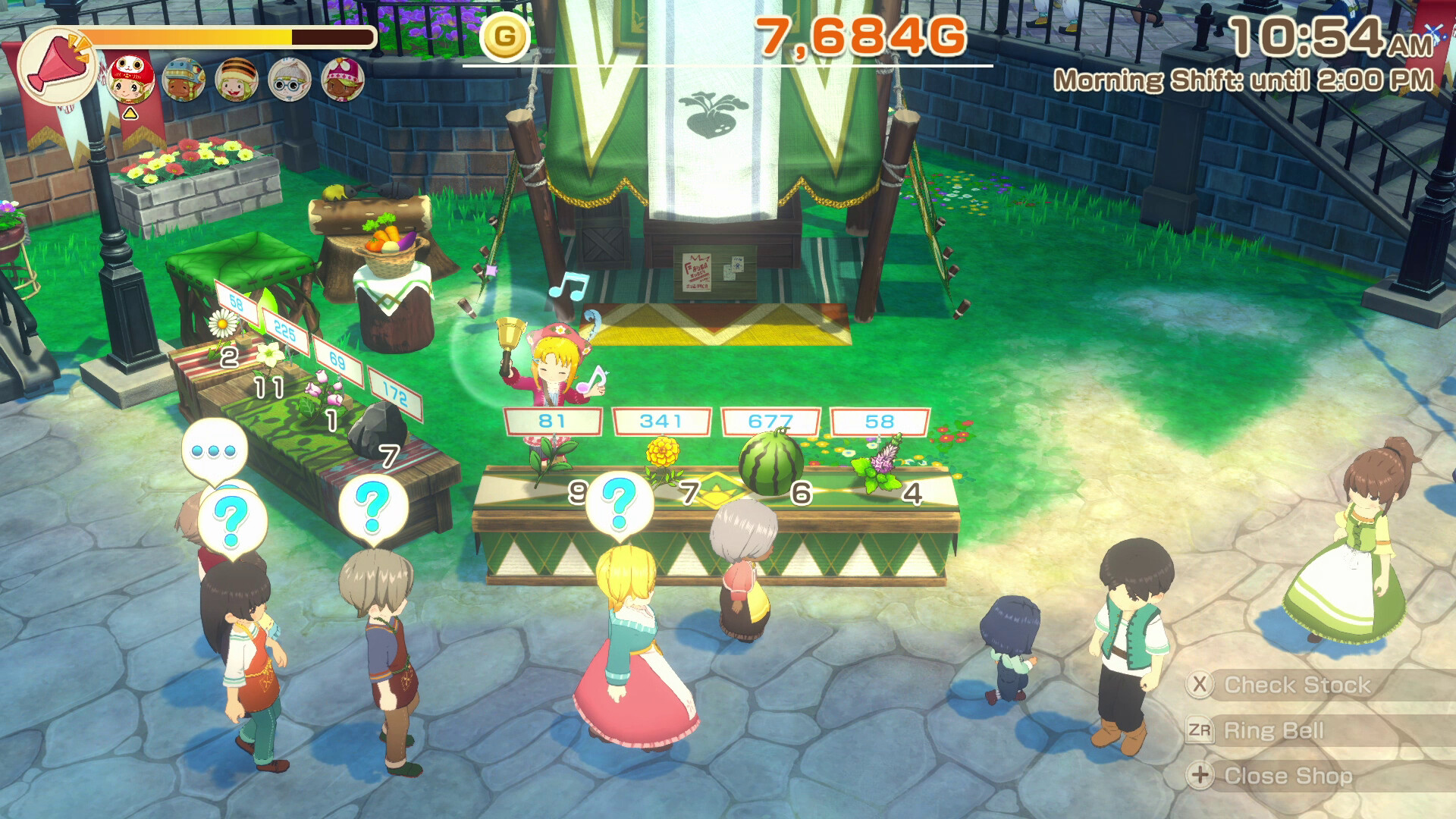
In Story of Seasons: Grand Bazaar, the work of selling on Saturday begins during the week. Crops, animal products, and processed goods become part of your offer only after you move them from your bag into your stall stock. When a sales shift begins, you choose what to display from that stock. Keeping bag, stall stock, and counter display separate makes it easier to work out why an item is missing when customers arrive.
You serve customers yourself across a morning and an afternoon shift. Progress toward the next bazaar rank depends on more than your own stall’s takings: the following morning’s review considers total bazaar sales and the number of stalls. This guide covers preparation, Nintendo Switch controls, and the rank review using the official Nintendo Switch manual. The buttons below apply to that platform.
Prepare Your Stall Before Saturday’s Sales
Work through these steps before opening. In particular, choose your stall stock and set up your décor before sales begin.
- Collect and make goods during the week. Harvest crops, tend animals, and process materials as those options become available. The farm manual says higher-quality items sell for more. Fertilizing crops helps their quality, while good animal care and stronger bonds improve animal products.
- Check trends and your sales record. Open the Bag Menu with X and look under “Bazaar Info” for your rank, current trends, and sales record. Trending goods sell faster and at higher prices according to the manual. Use that information when choosing among items you actually have.
- Put goods into stall stock. Check in at your stall before opening and select the items you want to move from your bag into its stock. You can adjust the selection until you open. An item sitting only in your bag has not yet been added to stall stock.
- Decorate before opening. Décor effects can include faster sales or more Happy Energy. Pieces matching your tent’s series strengthen the corresponding effects; up to three tent-series effects can be active at once.
- Go to your stall in the northeast of the bazaar grounds. Be ready for both sales shifts, one in the morning and one in the afternoon.
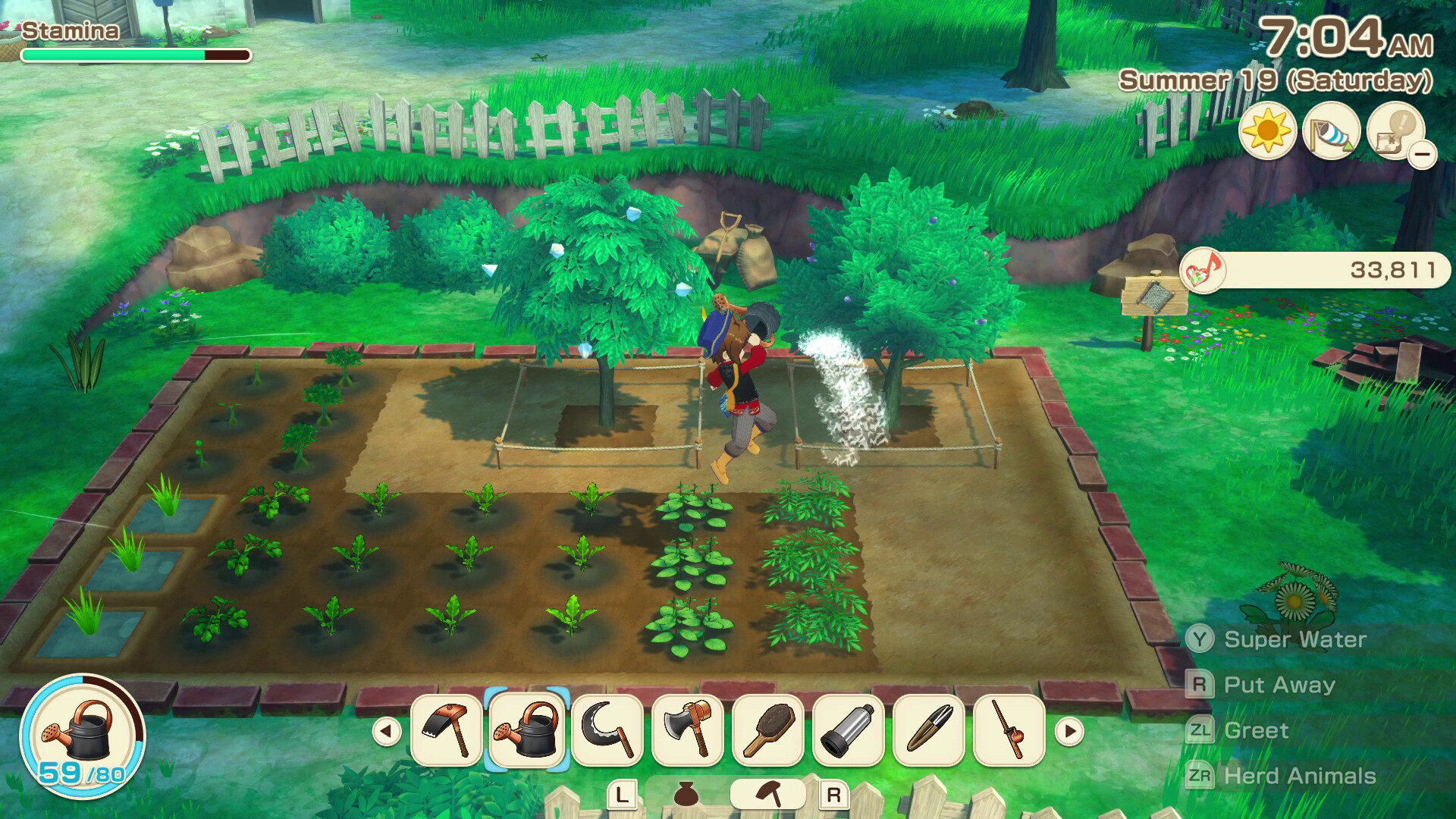
Image: Marvelous Inc. / Marvelous USA · Source
Serve Customers and Ring the Bell
Once a shift starts, press X at the counter to choose displayed items from your stall stock. Customers request a quantity of a particular product. Walk to that product and press A once for each requested item. If customers nearby have not noticed your stall, press ZR to ring the bell and attract their attention. The bell does not complete their orders; you still serve the requested goods at the counter.
A sales summary appears after each shift. Check what sold before preparing for the next one. A strong shift at your stall does not by itself secure a rank increase: the review board checks the bazaar’s overall goals the following morning.
Use Cheer Time After It Becomes Available
After meeting the Nature Sprites, you can eventually call on them as your bazaar cheer squad. Sales then build the Cheer Gauge. Once it has filled at least once, press ZL to start Cheer Time; filling it five times calls the full squad. During Cheer Time, press A to sell. The counter replenishes itself from your stall stock, including goods you had not previously displayed. Keep suitable goods in stock if you want them available for that automatic refill.
Read the Rank Review and Help New Vendors
The morning after the bazaar, the review lists the goals for the next rank. It takes both total sales across the bazaar and the number of stalls into account. If your own sales improve without a rank increase, check both requirements in the review. Higher ranks draw prospective vendors; help resolve the obstacles they face so they can open additional stalls.
Fix Common Stall Problems
| Problem | What to Check |
|---|---|
| An item is in your bag but missing from the counter. | Move it into stall stock before opening. During a shift, press X to choose displayed goods from that stock. |
| A customer is waiting although goods are displayed. | Check the requested product and quantity. Move to that product and press A for each item requested. |
| Ringing the bell does not start Cheer Time. | ZR rings the bell. Once the squad is available and the Cheer Gauge has filled at least once, ZL starts Cheer Time. |
| Your bazaar rank does not rise despite your sales. | Read the next morning’s review for the total-sales and stall-count goals. Check whether a prospective vendor still needs help opening a stall. |
Sources
- www.storyofseasons.com
- store.steampowered.com
- www.storyofseasons.com
- www.storyofseasons.com
- www.storyofseasons.com
- www.storyofseasons.com
- www.oneprstudio.com
- www.oneprstudio.com
Cover Image: Marvelous Inc. / Marvelous USA · store.steampowered.com
Comments
No comments yet. Start the conversation.
Join the Community
Sign in or create a free account to comment. Comments are moderated.