
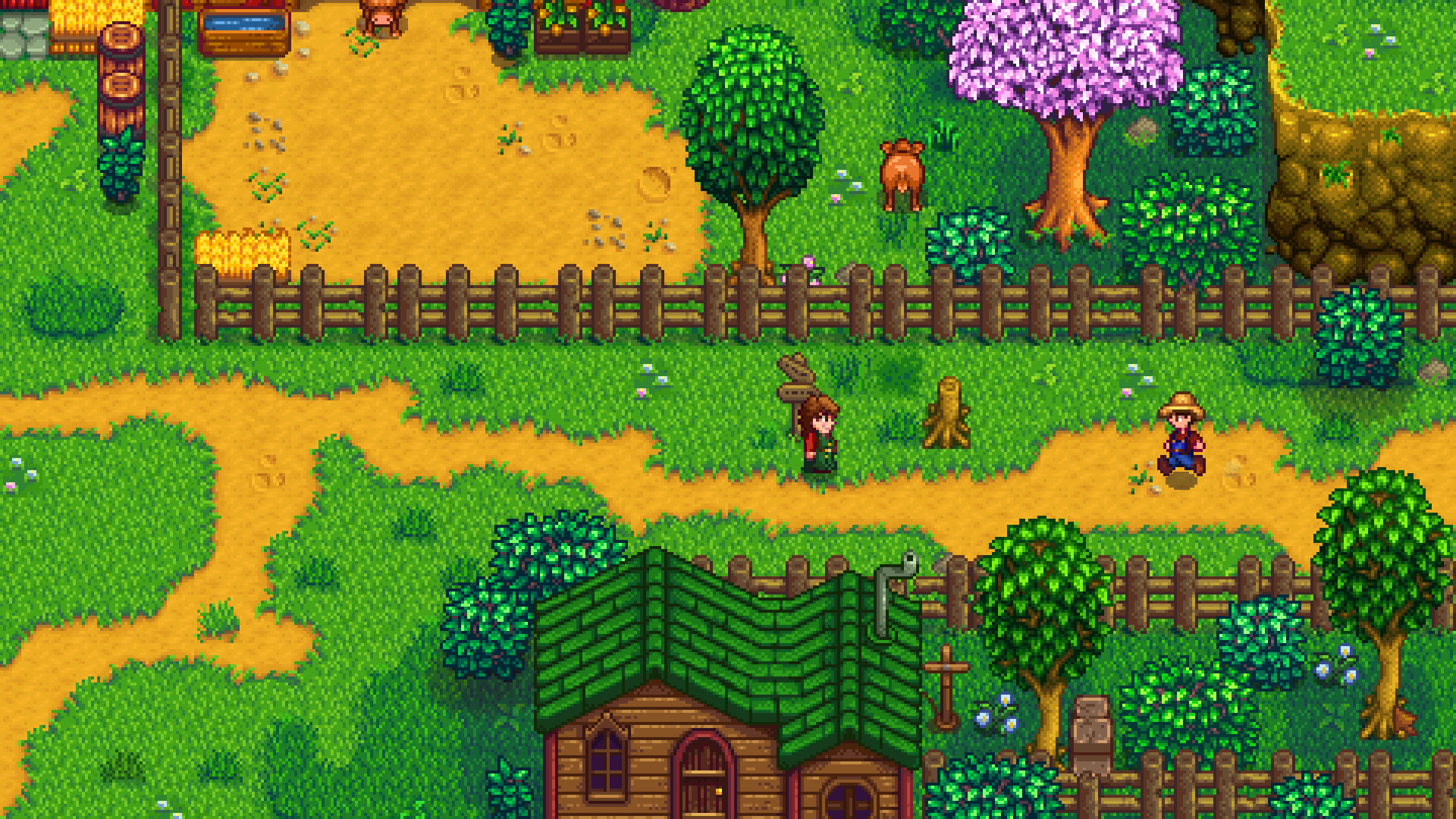
If a friend cannot join your Stardew Valley farm, first compare your game versions and check that the host is online with the farm open through Co-op. Each joining player also needs a cabin. These checks address the farm itself before you investigate a connection problem.
The next check depends on what you see. A missing Multiplayer section points to how the host loaded the save; missing invite controls on PC point to Steam or GOG account access. Players on different platforms should check whether their versions can play together before trying another invitation.
Check the Version and Platform Pairing
On each player's title screen, select the “?” button in the bottom-right corner. Compare the version numbers shown at the bottom left, and update any copy that differs. All players need the same game version.
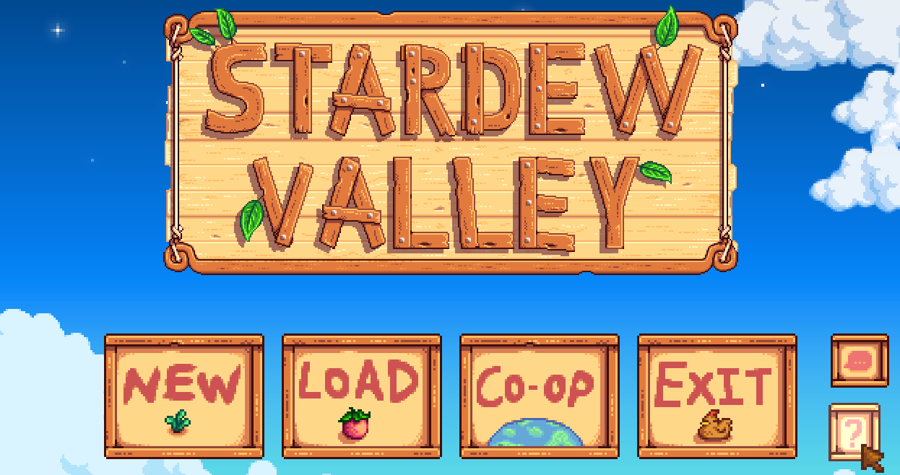
Image: Developer: ConcernedApe; Publisher: ConcernedApe · Source
Windows, macOS and Linux players can play together. Ordinary PC-to-console cross-platform multiplayer is unsupported. The Wiki describes mobile multiplayer as experimental, so this guide does not treat a mobile pairing as a standard remote co-op setup. For internet play on Switch or Switch 2, check that you have Nintendo Switch Online; nearby local communications play does not require it. Remote play on PS4 requires PlayStation Plus. Local split-screen does not require a console online-service subscription.
Check How the Host Opened the Farm
The host must be online and have the farm open to other players. In the host's Options menu, look for Multiplayer above Sound. If Multiplayer is missing, return to the title screen, choose Co-op, open the Host tab and load the save there.
In the Multiplayer options, set Server Mode to Online where that setting exists. The official guide says this setting is absent on Nintendo Switch; do not look for it there. Count the cabins as well: each joining player needs one. For an existing farm, the host can ask Robin to build additional cabins within the farm's player limit. PC and Switch 2 support up to eight players; the other consoles listed by the Wiki support up to four.
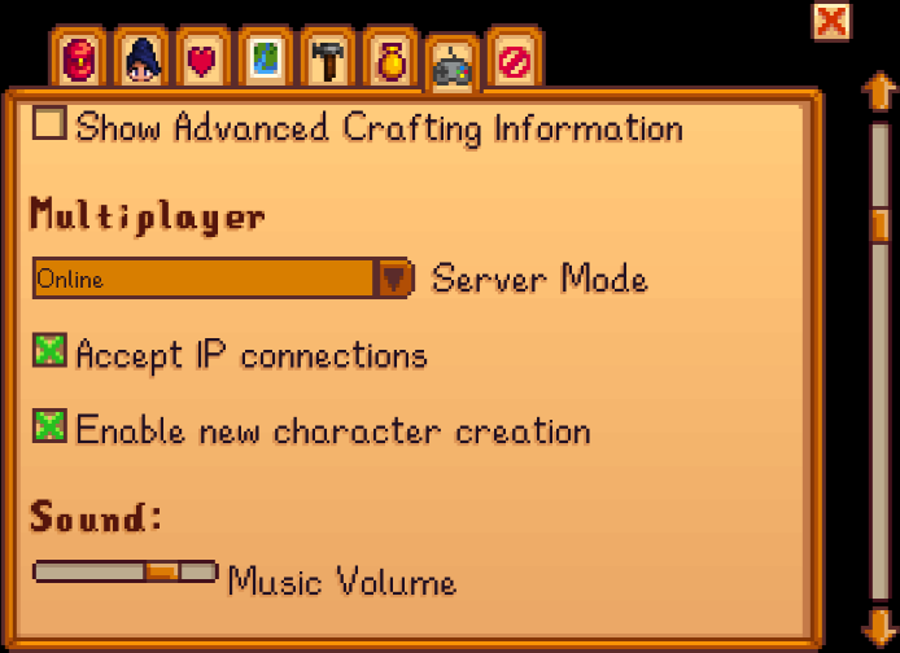
Image: Developer: ConcernedApe; Publisher: ConcernedApe · Source
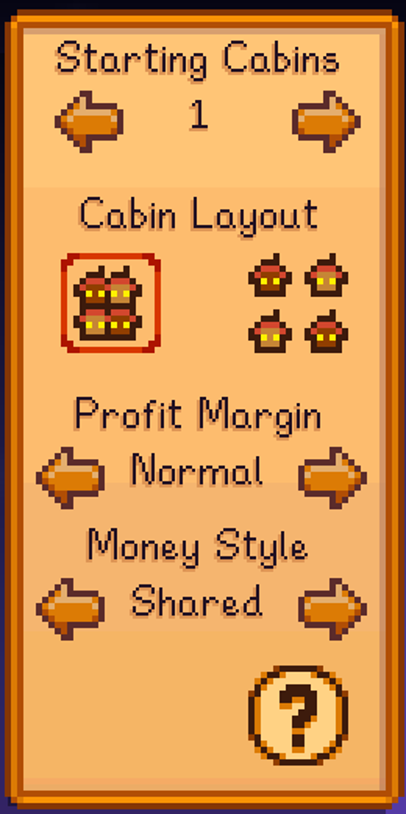
Image: Developer: ConcernedApe; Publisher: ConcernedApe · Source
If Invite Options Are Missing on PC
If Enter Invite Code is missing from Co-op’s Join tab, or Invite Friend and Show Invite Code are missing from Options, check the desktop account client. Open Steam or GOG Galaxy, as appropriate, and make sure you are signed in to a valid account. Then check the invitation options again. If they are still unavailable, check whether your security software or firewall is blocking Stardew Valley or the account client. Use the instructions for your own software and network equipment before changing an exception or disabling protection; disabling security software can affect your system’s security.
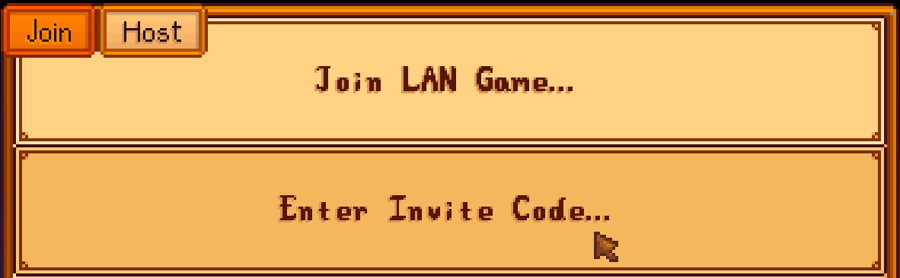
Image: Developer: ConcernedApe; Publisher: ConcernedApe · Source
If the Farm Still Will Not Connect on Switch or PS4
After the farm and account checks, a console connection test can help identify a restrictive NAT result. On Switch or Switch 2, open HOME Menu → System Settings → Internet → Test Connection and read NAT Type in the results. On PS4, open Settings → Network → Test Internet Connection. PlayStation's PS4 guide says Type 3 can limit communication with other PS4 systems.
Stardew Valley's troubleshooting guide also suggests restarting the device and internet hardware when multiplayer still fails. If you later consider firewall, port-forwarding or DMZ changes, follow the documentation for your own device and network: those changes can affect security.
Sources
- www.stardewvalley.net
- wiki.stardewvalley.net
- en-americas-support.nintendo.com
- manuals.playstation.net
- store.steampowered.com
- www.stardewvalley.net
- wiki.stardewvalley.net
- en.wikipedia.org
- store.steampowered.com
- gizmodo.com
- stardewplan.com
Cover Image: ConcernedApe · store.steampowered.com
Comments
No comments yet. Start the conversation.
Join the Community
Sign in or create a free account to comment. Comments are moderated.